ICAO Flight Plan
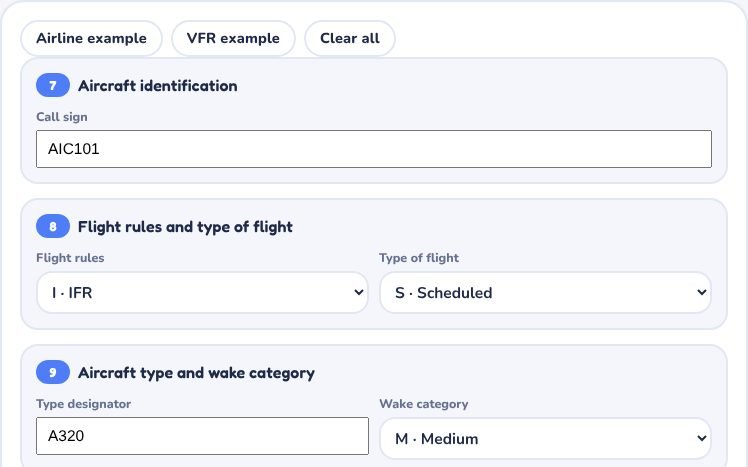
Fill in each item of the ICAO flight plan form and watch the filed message build up, with checks for common mistakes
Your flight plan message
ICAO Flight Plan is part of lifetime access
Log in if you already have lifetime access, or unlock all 53 simulators, the full question bank and every flashcard for ₹3,499.
Or try the free ones: Wind Triangle and Altimeter.
Your account is on the free plan. Unlock all 53 simulators, the full question bank and every flashcard for ₹3,499, once.
Practise the questions
Flight Plan (ICAO)66 questionsRevise with flashcards
Flight Plan (ICAO)13 cardsWhat to try
- Press Airline example or VFR example to fill the whole form, then change one item at a time.
- Hover over the filed message to see which form item each part comes from.
- Read the checks beside the message. They flag common mistakes such as a missing W for RVSM or R without PBN/.
- Item 19 is filed with the plan but is not sent in the FPL message itself.
Exam point
Items 7 to 18 make the FPL message. Remember the order: aircraft, rules, type, equipment, departure, route, destination and EET, other information. Always use UTC and four-letter ICAO indicators.
Study aid only. Figures here are simplified and fictional, so always use current DGCA and ICAO documents and the approved manual for real operations.