Transponder & SSR Codes
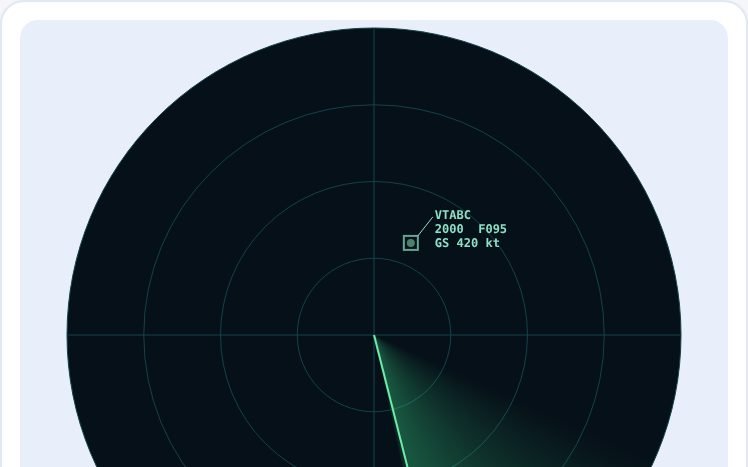
Set a squawk on a transponder, see what the controller sees in Mode A, C and S, and learn the emergency and special codes
Special codes
Practice: what would you set?
Transponder & SSR Codes is part of lifetime access
Log in if you already have lifetime access, or unlock all 53 simulators, the full question bank and every flashcard for ₹3,499.
Or try the free ones: Wind Triangle and Altimeter.
Your account is on the free plan. Unlock all 53 simulators, the full question bank and every flashcard for ₹3,499, once.
Practise the questions
Air Traffic Services181 questionsDistress, Emergency & Communications61 questionsWhat to try
- Turn the digits to set a code. Each digit goes from 0 to 7, so there are 4096 codes.
- Change the function switch between OFF, STBY, ON and ALT and see what appears on the controller's screen.
- Press the special code buttons 7700, 7600, 7500 and see the alarm. Try the practice questions.
- Notice the list of codes sent. Avoid passing through 7500, 7600 or 7700 on the way to another code.
Exam point
7700 emergency, 7600 radio failure, 7500 unlawful interference. Mode A is the code, Mode C adds height (in 100 ft steps from 1013.25 hPa) and Mode S adds the callsign and a fixed aircraft address.
Study aid only. Figures here are simplified and fictional, so always use current DGCA and ICAO documents and the approved manual for real operations.