737 PFD & FMA Trainer
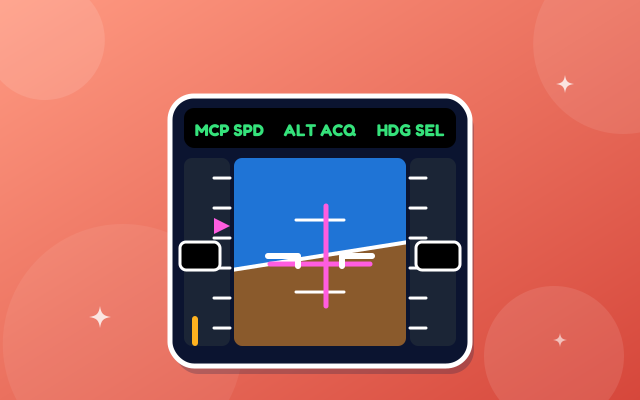
Read the 737 primary flight display and the three FMA columns, then see what the autopilot and autothrottle are doing in each phase of flight.
Test yourself
737 PFD & FMA Trainer is part of lifetime access
Log in if you already have lifetime access, or unlock all 63 simulators, the full question bank and every flashcard for ₹3,499.
Or try the free ones: Wind Triangle and Altimeter.
Your account is on the free plan. Unlock all 63 simulators, the full question bank and every flashcard for ₹3,499, once.
What to try
- Click through the ten phases of flight and read the FMA in its three columns: autothrottle, roll mode and pitch mode.
- Press Label the display to number the parts of the PFD and read what each one is for.
- Press Play the flight to step through a flight automatically.
- Take the quiz: it shows only the FMA and asks what the aircraft is doing.
Exam point
The FMA has three columns: autothrottle, roll and pitch. Active modes are green on the top line, armed modes are white below. CMD shows an autopilot. Read the FMA every time you change the MCP, to confirm what the aircraft will do next. The 737 flight director is magenta.
Study aid only. This is original teaching material, not Airbus or Boeing documentation. Layouts, values and procedures are simplified and can differ by aircraft version and operator, so always check your FCOM, QRH and course notes.